Dashcams
A clear step-by-step dashcam installation guide for 2025 — placement, wiring, fuse taps, cable routing and the most common mistakes to avoid for better video quality and safety. If you’re wondering how to install a dashcam the right way, this guide shows you exactly how to mount, wire and set it up for the best results. Many drivers search for how to install a dashcam because installation mistakes lead to shaky video and power issues. Learning how to install a dashcam properly ensures safer driving and better evidence footage.
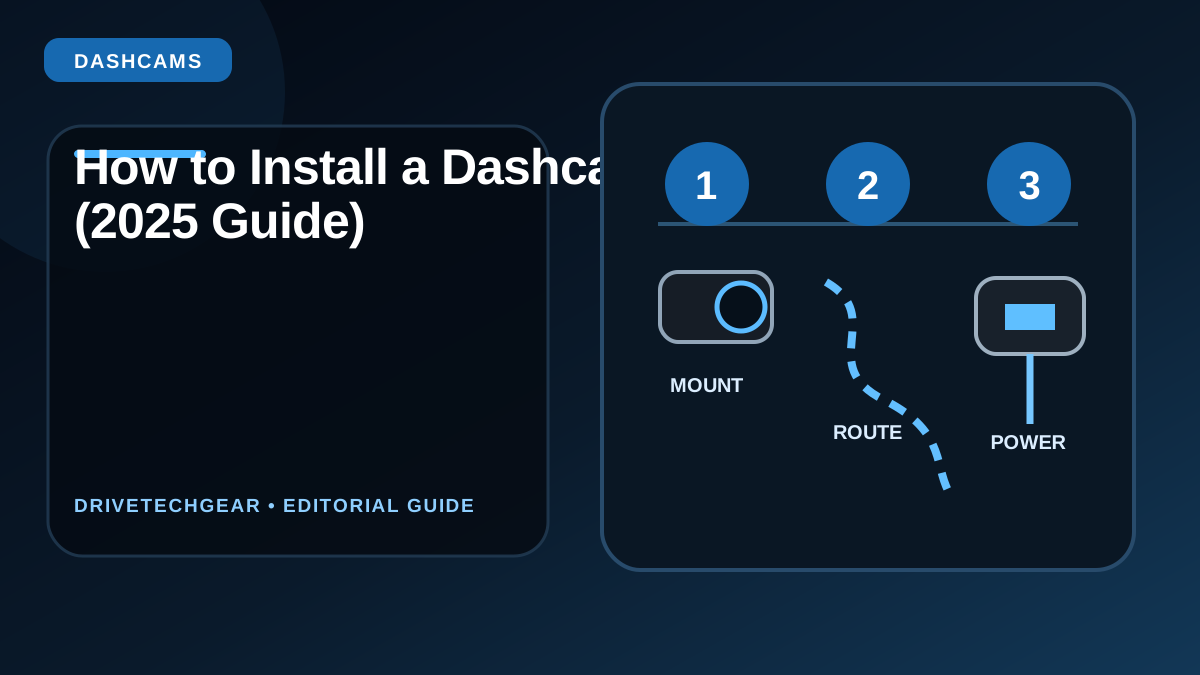
1. Choose the correct dashcam placement
The ideal position is behind the rear-view mirror, high on the windshield. This keeps it invisible while providing the best road coverage.
- Keep the camera inside the legal “tinted sensor area”.
- Avoid placing it in the driver’s direct line of sight.
- Tilt the lens so the horizon sits in the upper third of the frame.
2. Route the cable cleanly around the windshield
Most cars allow the cable to be tucked behind the headliner, A-pillar trim and rubber door seals — no tools required.
- Tuck cable along headliner → down A-pillar → along door seal.
- Avoid routing directly across airbags.
- Use the supplied cable clips only where needed.
3. Choose your power method
There are two safe ways to power a dashcam:
- 12 V cigarette socket: easiest option; powers off with ignition.
- Hardwire kit: allows parking mode and cleaner installation.
If using a hardwire kit, always choose one with a low-voltage cutoff (10.8–12.0 V) to protect your battery.
4. Find the correct fuse location (for hardwiring)
Use the fuse box inside the cabin, not the engine bay. You need:
- ACC fuse: camera turns on and off with ignition.
- Constant fuse (optional): for parking mode.
- Ground point: bare metal screw on chassis.
Use an “add-a-circuit” fuse tap and match the fuse type (mini, micro2, low-profile).
5. Install the rear camera (if included)
Route the cable along the passenger side of the car to avoid interference with airbags.
- Mount at the top of the rear window.
- Avoid blocking defroster lines.
- Ensure the cable does not pinch in the hatch hinges.
6. Format the SD card and configure settings
- Format SD card monthly for reliability.
- Set correct timezone and GPS.
- Enable parking mode if supported.
- Turn off audio if required by local laws.
Common installation mistakes to avoid
- Mounting too low — blocks view and causes vibration.
- Using cheap SD cards — they fail quickly in dashcams.
- Routing cables over airbags.
- Not securing the fuse tap firmly.
Need dashcam recommendations? See Best Dashcams 2025 → For additional technical guidelines, see the official dashcam standards overview at Wikipedia – Dashcam.
FAQ – Dashcam Installation
Do I need a hardwire kit?
No, but you need one if you want parking mode. For normal driving only, the 12 V socket is fine.
Is hardwiring safe?
Yes, if you use a proper fuse tap and install the ground correctly. Never cut factory wires.
Can I install a dashcam myself?
Most people can. Only fuse tapping requires a bit of attention — otherwise it’s simple.
Where should the rear camera go?
Top center of the rear window for best coverage and minimal glare.
Need help choosing a dashcam?
Browse all dashcam guides →Updated: December 2025